

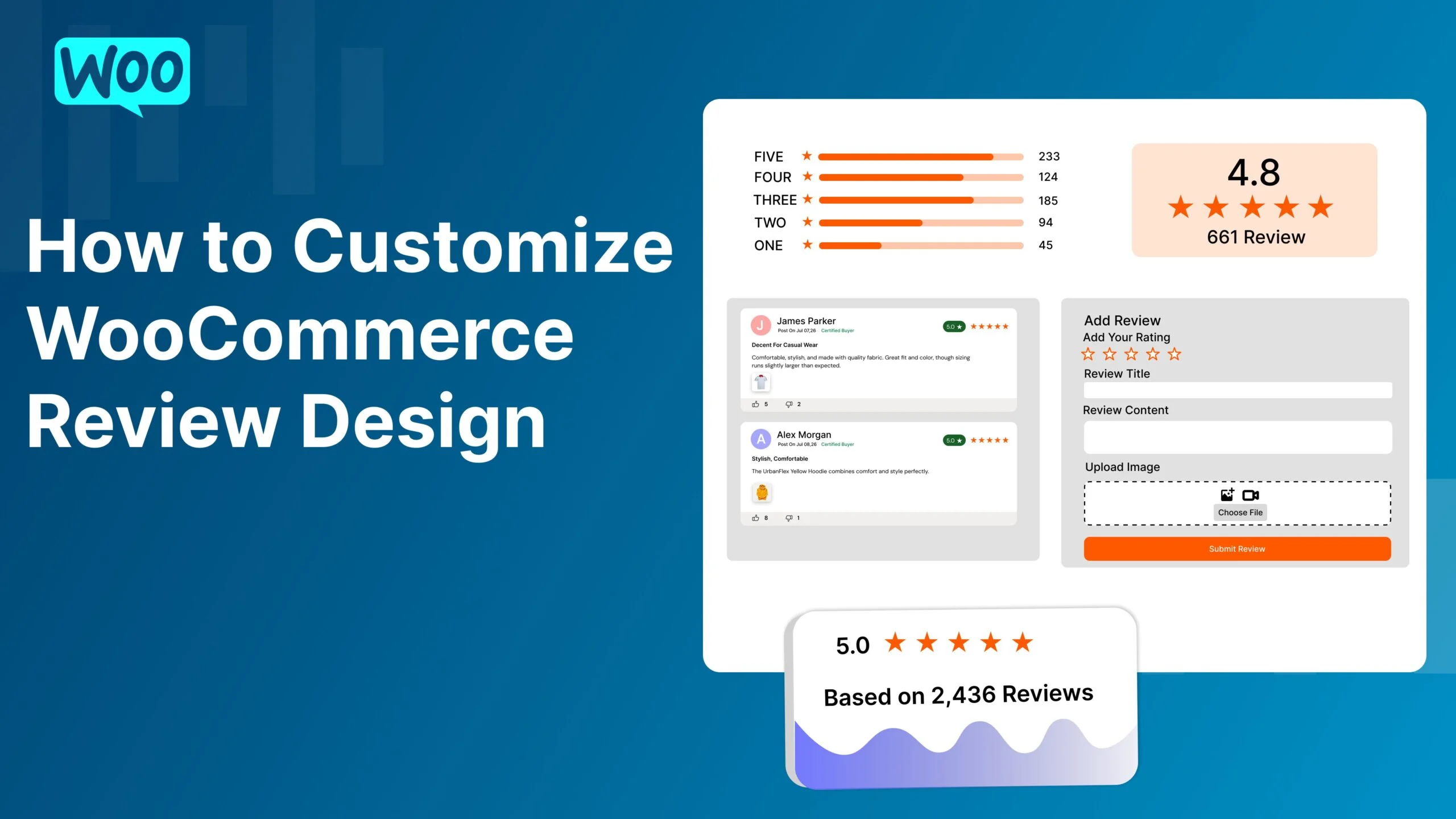
Product reviews play a crucial role in building customer trust and increasing conversions in any WooCommerce store. However, the default WooCommerce review section is often too basic to capture visitors’ attention or reflect your brand’s identity. A well-designed review section can improve user experience, encourage more customer engagement, and make your product pages look more professional.
In this guide, you’ll learn how to customize your WooCommerce review design, why it matters, and the best practices for creating an attractive and conversion-focused review section.
Your product reviews are a form of social proof. If they’re difficult to read or visually unappealing, customers may overlook valuable feedback that could influence their buying decisions.
Customizing your review design offers several benefits:
Improves the appearance of product pages
Increases customer trust
Makes reviews easier to read
Highlights important customer feedback
Encourages more users to leave reviews
Strengthens your brand identity
A modern review section can significantly improve the overall shopping experience.
Instead of displaying reviews in a simple vertical list, consider using:
These layouts organize customer feedback more effectively while giving your store a polished appearance
The star rating is one of the first things shoppers notice.
You can customize:
Using brand colors helps maintain consistency across your website.
Adding customer details increases review authenticity.
These details help build credibility and trust.
Modern shoppers love visual content.
Allow customers to upload:
Displaying media in an image gallery or slider makes reviews more engaging and informative.
Choose colors that align with your branding.
Customize:
Maintain sufficient contrast to ensure readability.
Interactive review features increase customer engagement.
Consider adding:
These features help shoppers identify the most useful feedback.
Customers often want to find relevant reviews quickly.
Add options such as:
Better organization makes the review section more user-friendly.
A review summary provides shoppers with a quick overview.
Include:
This helps visitors evaluate products at a glance
Many WooCommerce customers shop on mobile devices.
Ensure your review section:
A responsive review design improves the shopping experience across all devices.
The ultimate WordPress review plugin for WooCommerce. Build trust, showcase authentic feedback, and boost conversions.
© 2026 WP Rate And Review Pro Plugin. Created by KN Infotech. All rights reserved.