

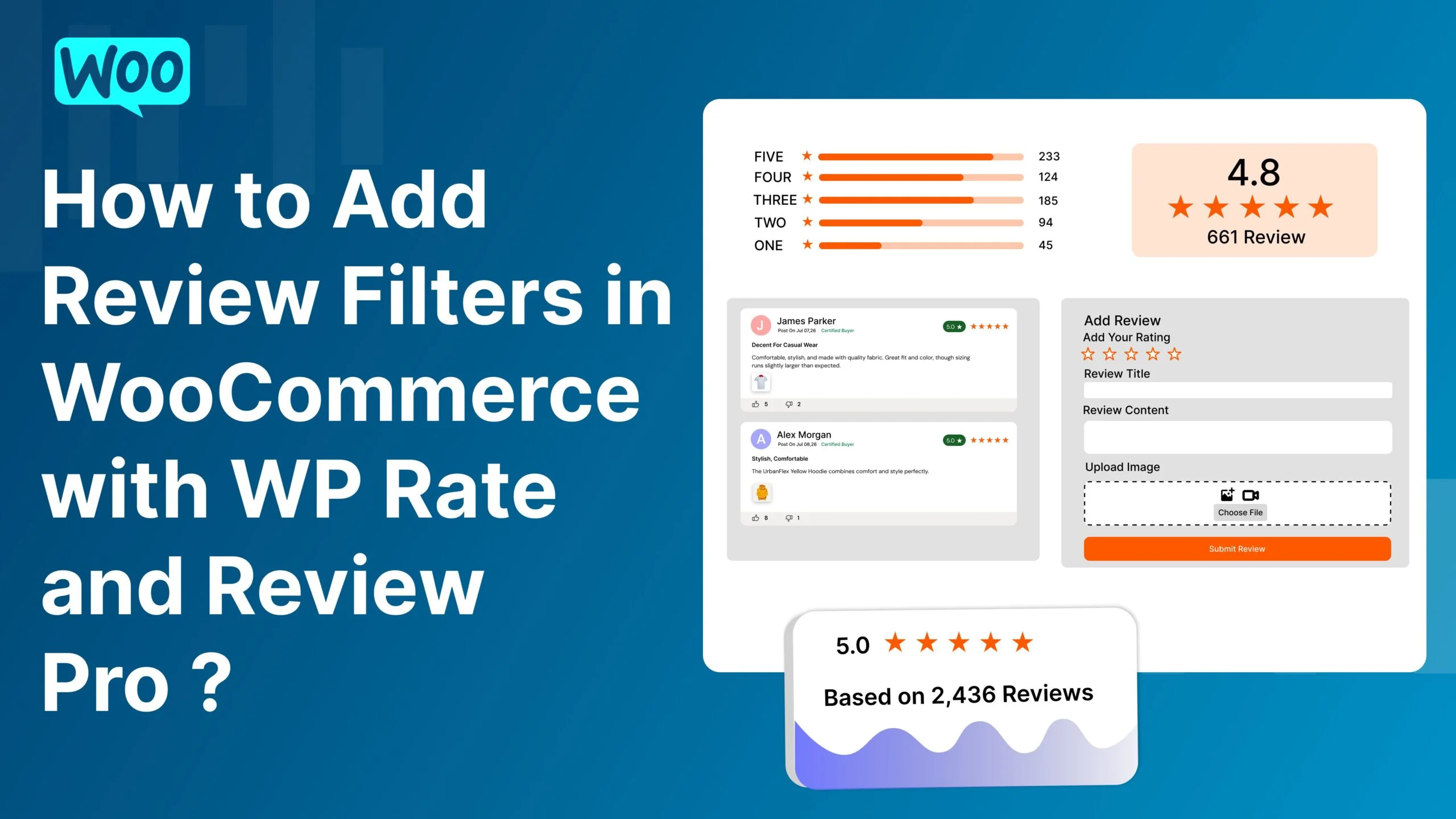
Customer reviews are one of the most important parts of a successful WooCommerce store. Reviews help customers understand product quality, build trust, and make better buying decisions.
However, when a product receives many reviews, it can become difficult for customers to find the most relevant feedback.
That’s where review filters become essential.
Review filters allow users to sort and find reviews based on ratings, popularity, images, and dates. This improves the shopping experience and helps customers quickly discover useful product feedback.
With WP Rate and Review Pro, WooCommerce store owners can add advanced review filtering options that improve customer engagement, increase trust, and boost conversions.
![WooCommerce Review Filters Banner]
Review filters are tools that help customers organize and sort reviews based on specific criteria.
Instead of scrolling through hundreds of reviews, users can quickly filter reviews by:
Star rating
Most helpful reviews
Latest reviews
Reviews with images
Verified customer feedback
This creates a cleaner and more user-friendly review experience.
![Customer Using Review Filters]
Customers want quick access to relevant information.
Review filters help visitors:
Find useful reviews faster
Read feedback matching their needs
Save time while shopping
A better user experience increases customer satisfaction and improves engagement.
![Improved User Experience with Filters]
Filtered reviews make product pages look more organized and professional.
Customers trust stores that provide:
Transparent review systems
Helpful customer feedback
Organized review sections
WP Rate and Review Pro helps create a trustworthy shopping experience with advanced review filtering features.
![Trustworthy Review Section]
Customers are more likely to purchase products when they can easily find helpful reviews.
Review filters reduce purchase hesitation and help visitors make faster decisions.
Products with organized review sections often achieve:
Higher conversion rates
Better engagement
Increased customer confidence
![WooCommerce Conversion Rate Growth]
One of the most useful review filters is star rating filtering.
Customers can quickly view:
5-star reviews
4-star reviews
Low-rated reviews
This helps users understand overall product quality faster.
Star rating filters also improve transparency and customer trust.
![Filter Reviews by Rating]
Helpful reviews often provide the most value.
WP Rate and Review Pro includes a review voting system that allows customers to mark reviews as helpful.
Visitors can filter reviews by:
Most helpful reviews
Top-rated reviews
Popular customer feedback
This helps important reviews appear first.
![Helpful Review Filter]
Image reviews are more trusted than text-only reviews.
Customers often want to see:
Real product photos
Customer-uploaded images
Product usage examples
WP Rate and Review Pro allows customers to upload images with their reviews and filter reviews that include photos.
This improves product credibility and customer confidence.
![Customer Image Reviews]
Some customers prefer to read the newest reviews first.
Recent reviews help shoppers understand:
Current product quality
Recent customer experiences
Updated product performance
Latest review filters improve transparency and keep product feedback fresh.
![Latest Review Filter]
WP Rate and Review Pro includes beautiful review display layouts.
Modern appearance
Better image visibility
Attractive review presentation
Easy readability
Clean review organization
Better detailed review display
Professional layouts improve user experience and customer engagement.
![Grid and List Review Layouts]
The helpful voting feature allows customers to vote on useful reviews.
This helps:
Highlight valuable feedback
Improve review quality
Increase trust
Helpful review voting works perfectly with advanced review filters.
![Review Voting System]
Interactive image galleries improve review engagement.
WP Rate and Review Pro includes:
Review image sliders
Popup image galleries
Customers can browse uploaded review images smoothly and interactively.
Benefits include:
Better visual experience
Increased product trust
Improved engagement
![Review Image Slider Showcase]
Modern WooCommerce stores need mobile-friendly review systems.
WP Rate and Review Pro is fully responsive and optimized for:
Desktop devices
Tablets
Smartphones
Responsive review filters improve shopping experiences across all screen sizes.
![Responsive Review Layout]
Install and activate the WP Rate and Review Pro plugin on your WooCommerce store.
![Install WooCommerce Review Plugin]
Go to plugin settings and enable advanced review filtering options.
You can activate filters for:
Ratings
Popular reviews
Reviews with images
Latest reviews
![Enable Review Filters Settings]
Choose Grid or List review layouts depending on your store design.
Customize review display settings to match your WooCommerce theme.
![Customize Review Layout Settings]
Once enabled, review filters will automatically appear on WooCommerce product pages.
Customers can now quickly find relevant reviews and make better purchasing decisions.
![Review Filters on Product Page]
Review filters also improve WooCommerce SEO performance.
Customer reviews continuously update product pages.
Visitors spend more time interacting with review sections.
Organized review systems improve user experience signals.
These factors help improve search engine rankings.
![SEO Benefits of Customer Reviews]
WP Rate and Review Pro is designed specifically for WooCommerce stores that want to create professional and interactive customer review systems.
Advanced review filters
Review voting system
Customer image uploads
Grid and List layouts
Review image slider
Popup image gallery
Responsive design
Easy admin management
Fast and optimized performance
The plugin helps WooCommerce stores improve customer trust, increase engagement, and boost conversions.
![WP Rate and Review Pro Features Showcase]
Review filters are essential for modern WooCommerce stores with large numbers of customer reviews.
They help customers quickly find relevant feedback, improve user experience, and increase purchase confidence.
Using a powerful plugin like WP Rate and Review Pro allows WooCommerce store owners to create advanced review systems with filtering options, image galleries, voting systems, and responsive layouts.
If you want to improve customer trust, organize product reviews professionally, and increase WooCommerce conversions in 2026, WP Rate and Review Pro is the perfect solution.
![WooCommerce Review Filters Success Banner]
The ultimate WordPress review plugin for WooCommerce. Build trust, showcase authentic feedback, and boost conversions.
© 2026 WP Rate And Review Pro Plugin. Created by KN Infotech. All rights reserved.